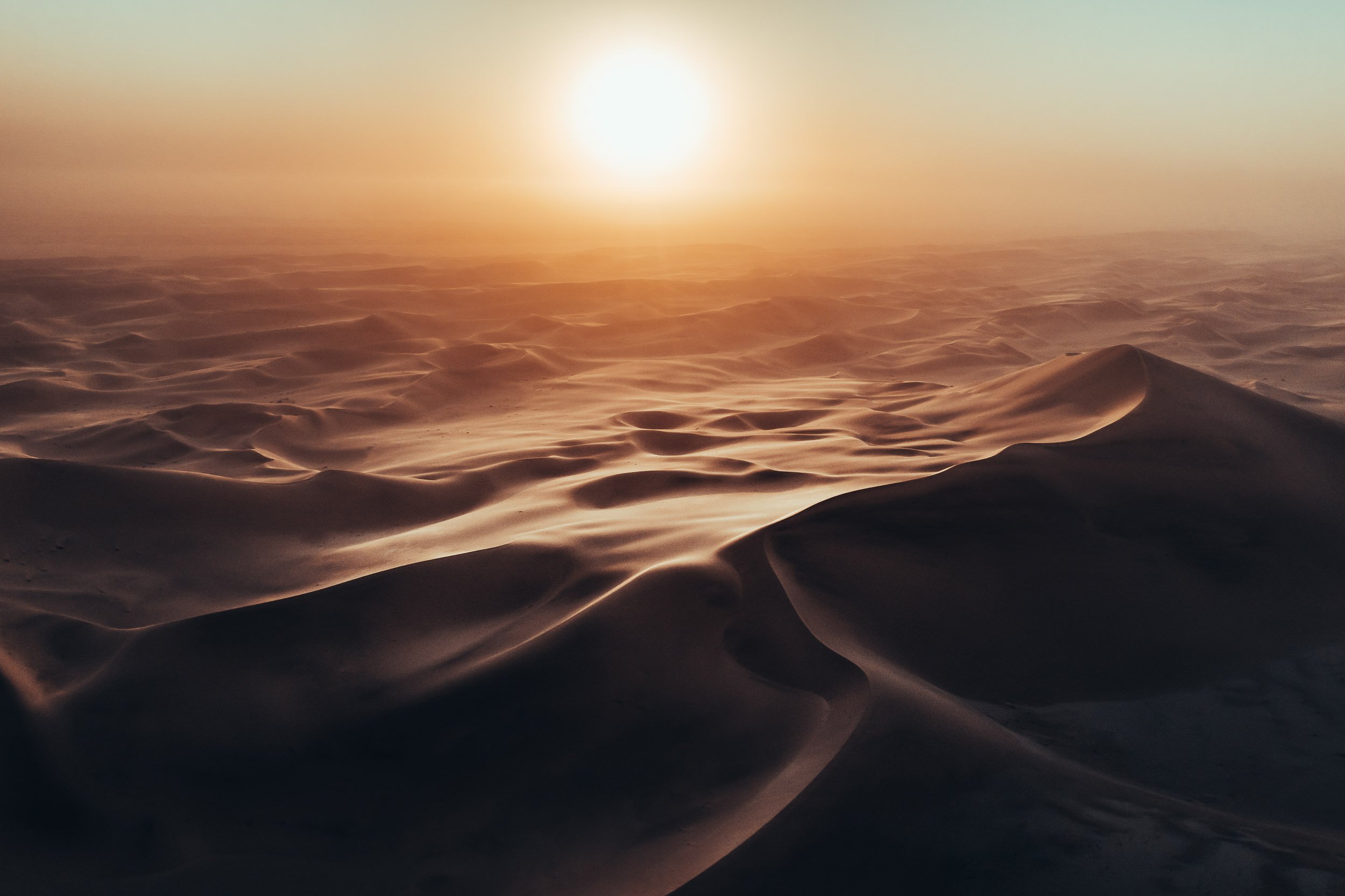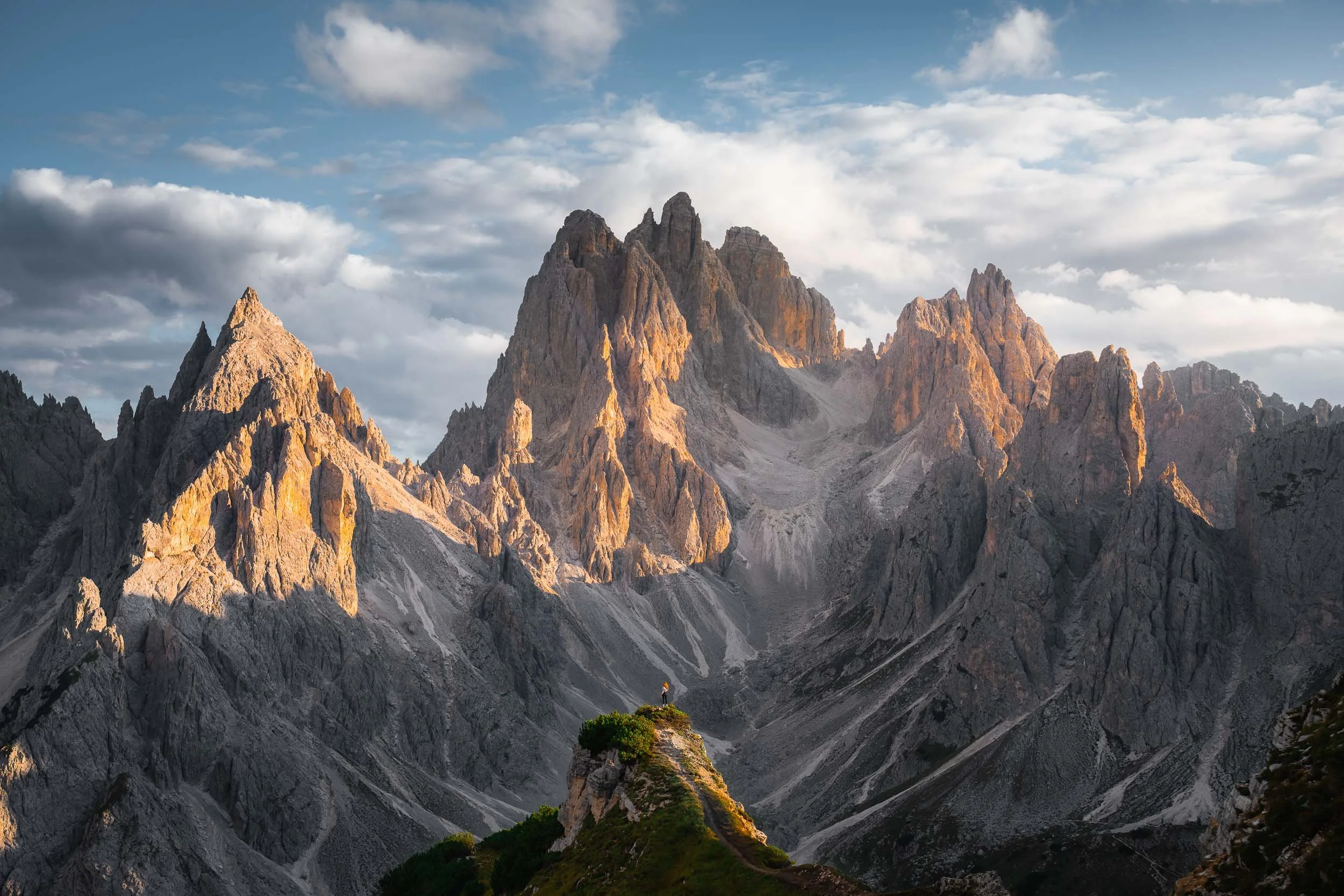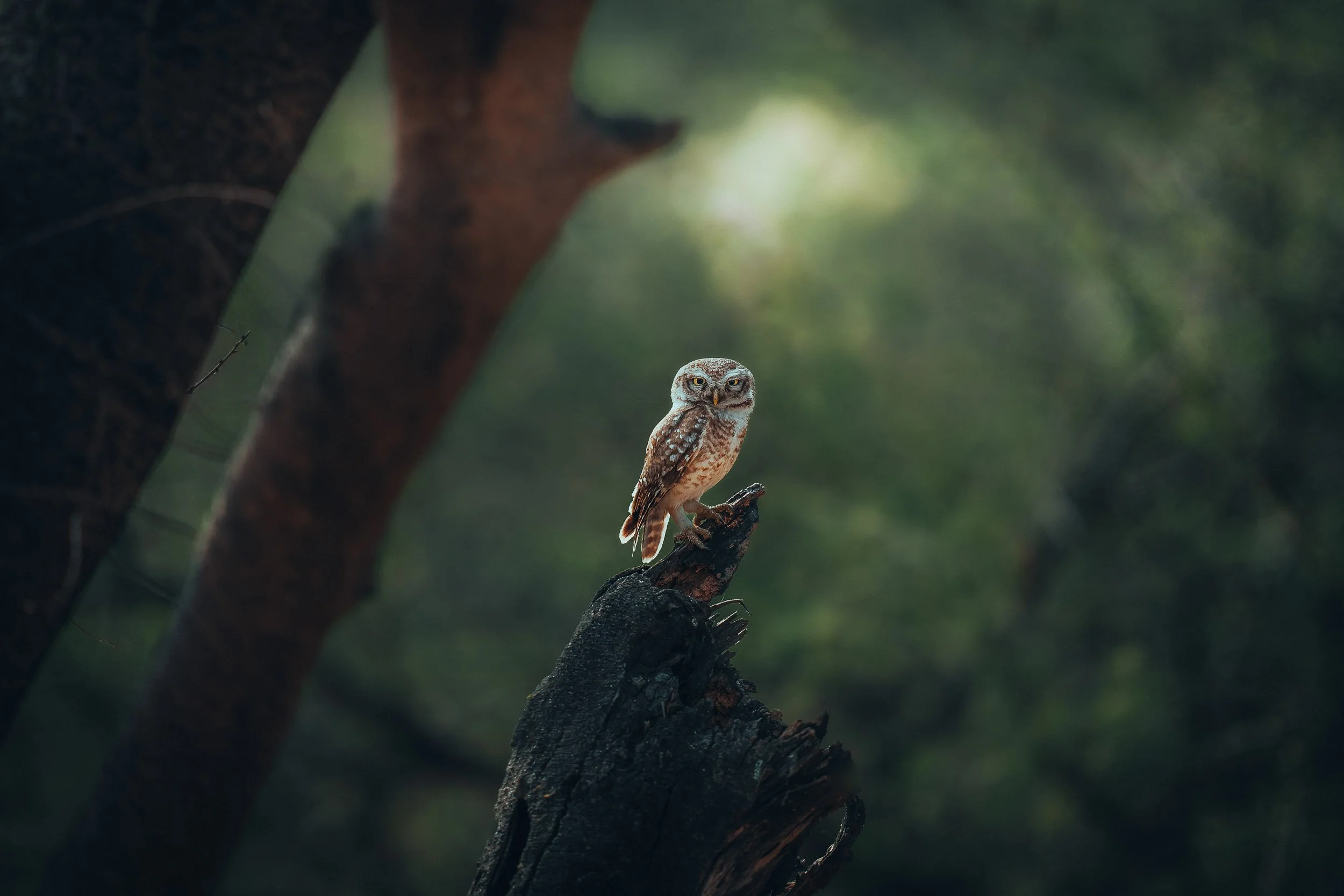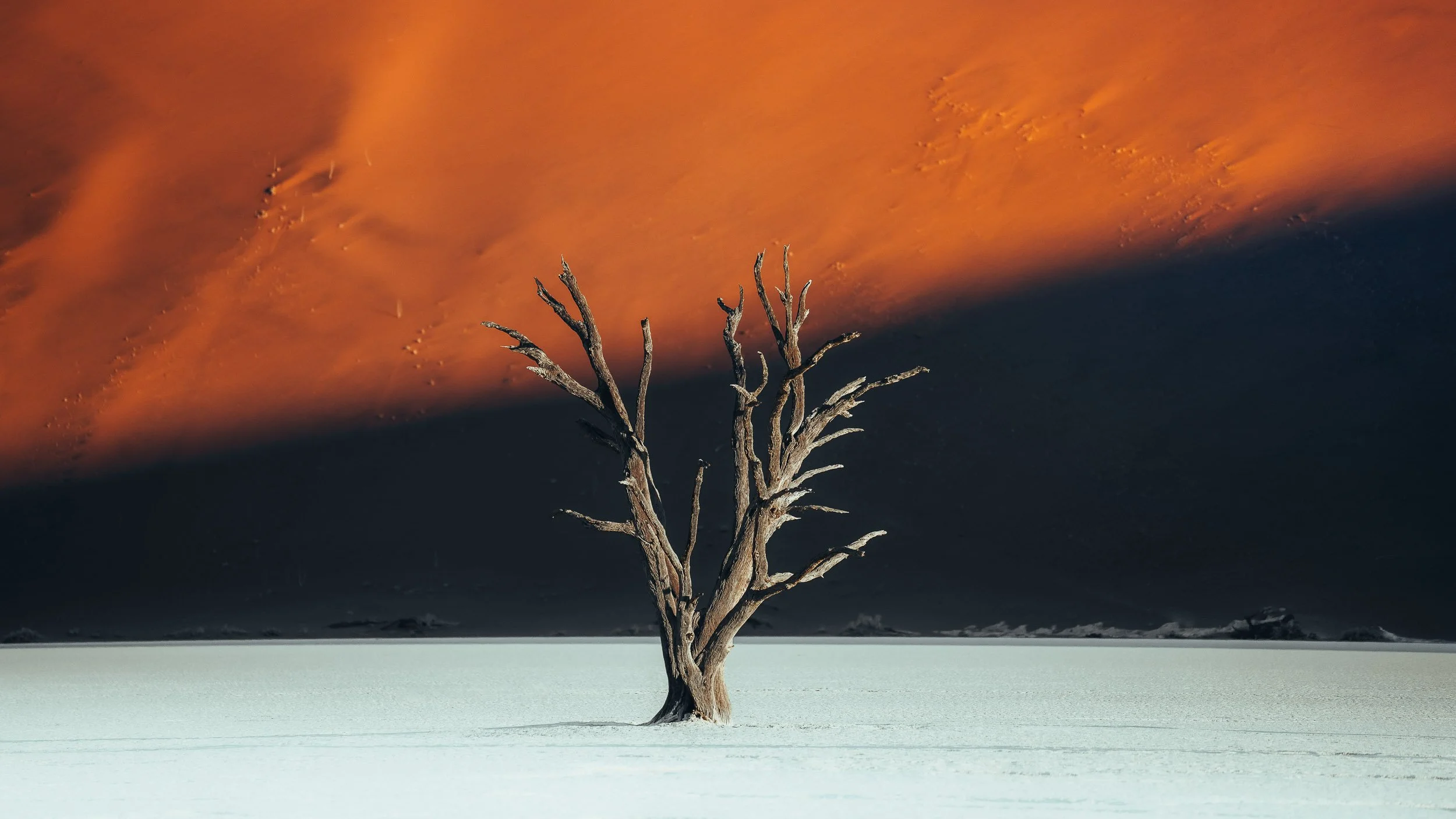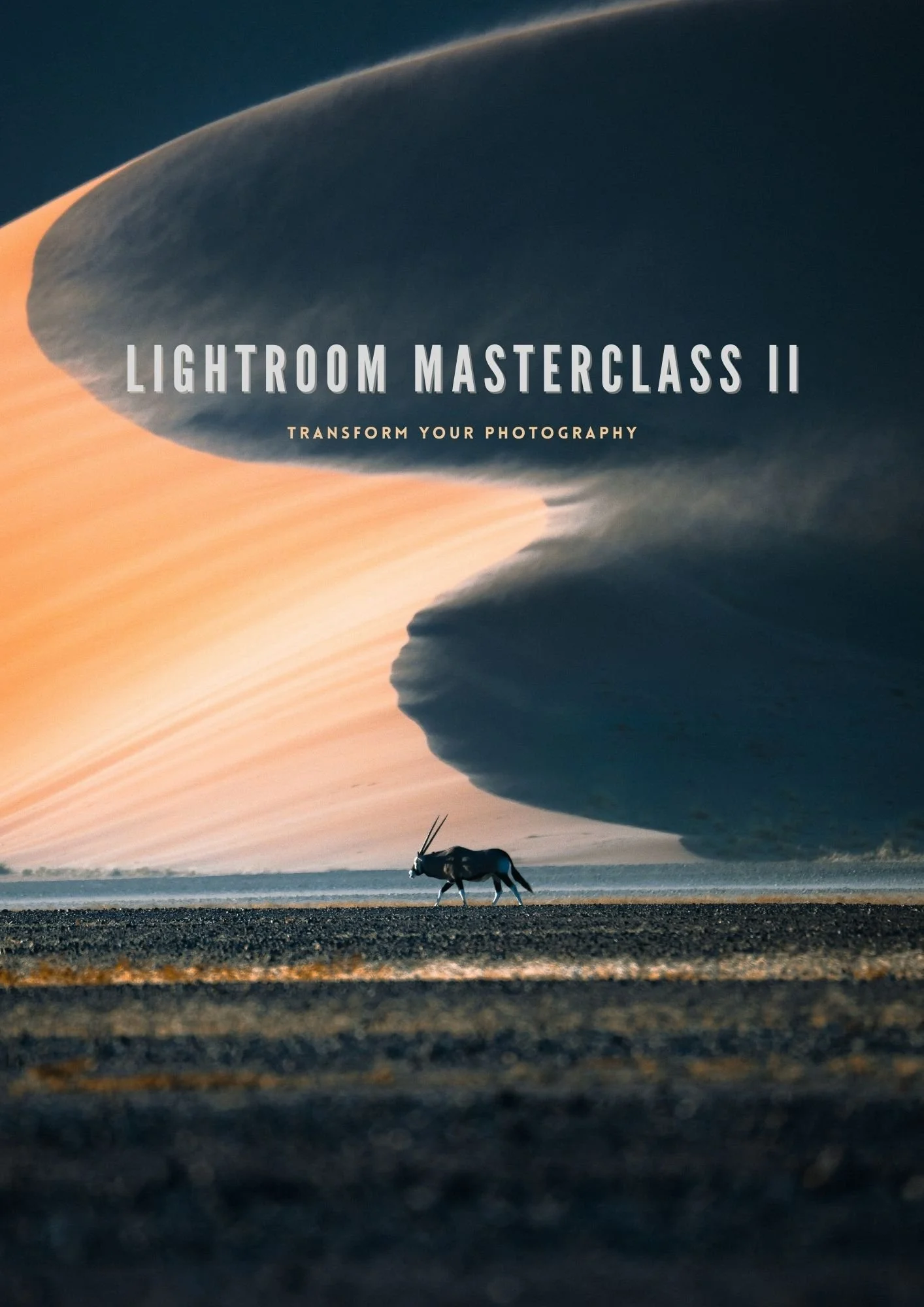
Want a complete guide on how to edit your photos in Lightroom in 2026?
Overwhelmed by all the tools Lightroom has?
Interested in learning how I create my dramatic style?
My all new Lightroom Masterclass II will teach you to develop your editing techniques and help you in achieving a unique style of your own, whether you’re a complete beginner or an experienced photographer.
I’ll show you the workflow i’ve developed over the past eight years that you can use to transform your photography, allowing you to create breathtaking images from any shooting scenario - join me in my Masterclass to learn how.
Lifetime access across all of your devices - watch anytime, anywhere via my exclusive online portal
Transform your photography today
68 Lessons
From the foundations of Adobe Lightroom to the advanced techniques that I use on a daily basis, this course will cover everything you need to know in order to achieve a unique styling to your images by mastering your photo editing skillset.
14 hours of tutorials
My workflow is broken down into easily digestible modules, guiding you clearly at each step in my process. We’ll review and edit over 50 unique images, learning how I would approach each scenario differently to broaden your editing knowledge.
100 Raw Files &
50 bonus presets
I’ve included 100 of my favourite RAW images for you to practice with as well as course exclusive presets. These encompass a wide variety of shooting environments, from the mystical landscapes of the Faroe Islands to wildlife of the African Savanna.
Feedback & Regular Updates
Direct access to myself for regular feedback on your images and assistance on your editing techniques & regular content expansions for a minimum of 5 years as Lightroom evolves and my aesthetic develops - all included in your lifetime purchase.
Subtitles in 15 languages
Captions are available in the following languages: English · German · French · Spanish · Italian · Portuguese (Brazilian) · Polish · Dutch · Arabic · Japanese · Chinese · Korean · Turkish · Czech

 BEFOREAFTER

 BEFOREAFTER

 BEFOREAFTER
Course Curriculum
Whether you’re a beginner to photo editing or a professional, there’s something for everyone to learn here. I’m going to reveal my tips on how I keep my Lightroom workflow optimised and organised so that you can speed up your own editing and stay ahead of the game.
I’ll help you decide which version of Lightroom is the best fit for you and how I would approach and understand what an image requires to then make it atmospheric.
The Foundations
Optimising Lightroom
Understanding the library panel
Deciding which LR to use
Reading an image
Efficiency shortcuts
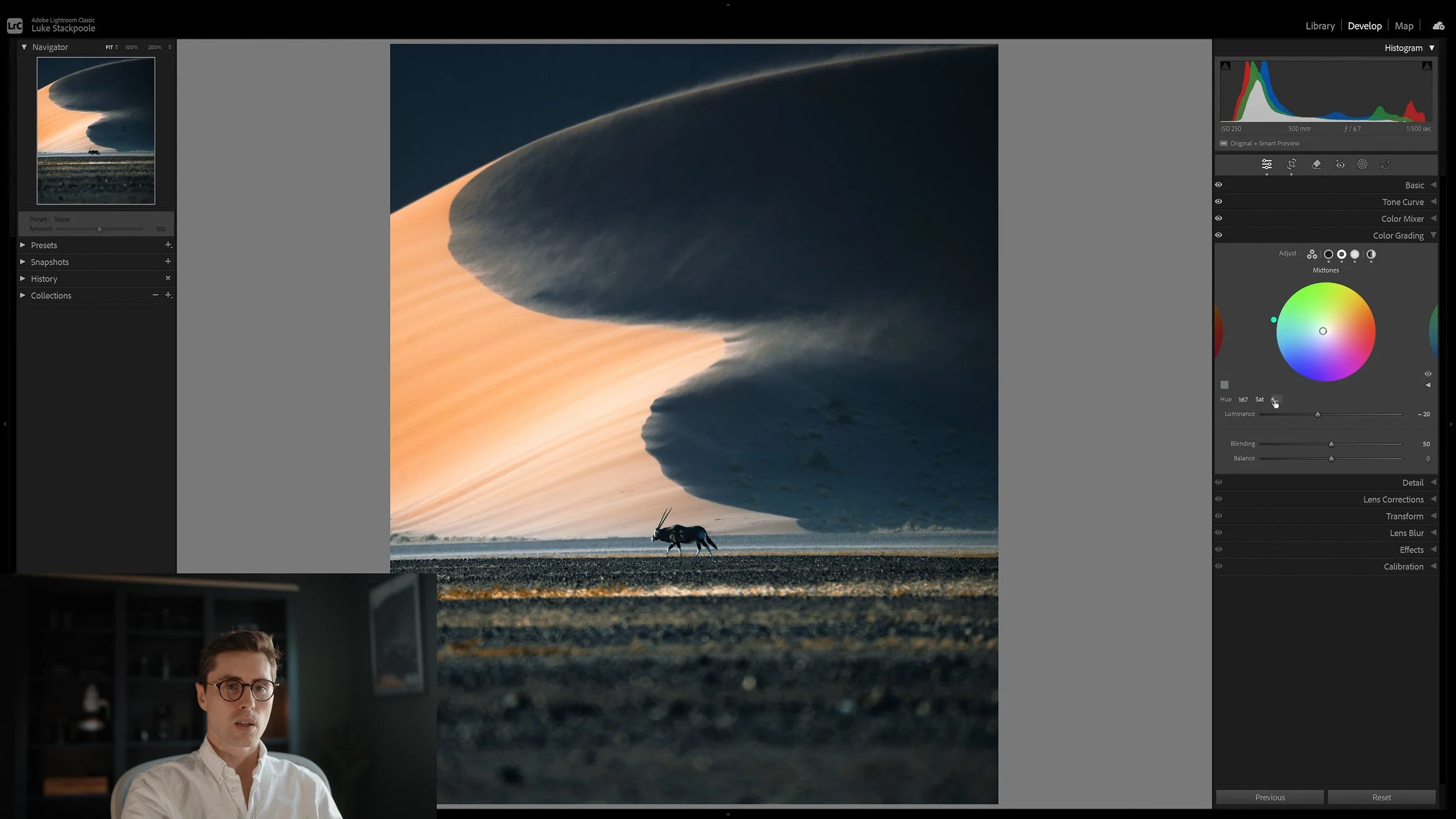
In these modules I’ll give you a comprehensive overview of everything you can achieve within the Develop Panel, including a range of advanced techniques for producing dramatic and aesthetic photography. Lessons are taught in Classic, CC and Mobile LR.
We’ll be working through several of my favourite images, editing from start to finish giving you a complete deep dive into all the tools available at our disposal, including colour theory, masking, tone curves and more.
Editing Essentials
Introduction to colour theory
Develop Panel Essentials
Editing in Classic
Editing in CC
Editing in Mobile
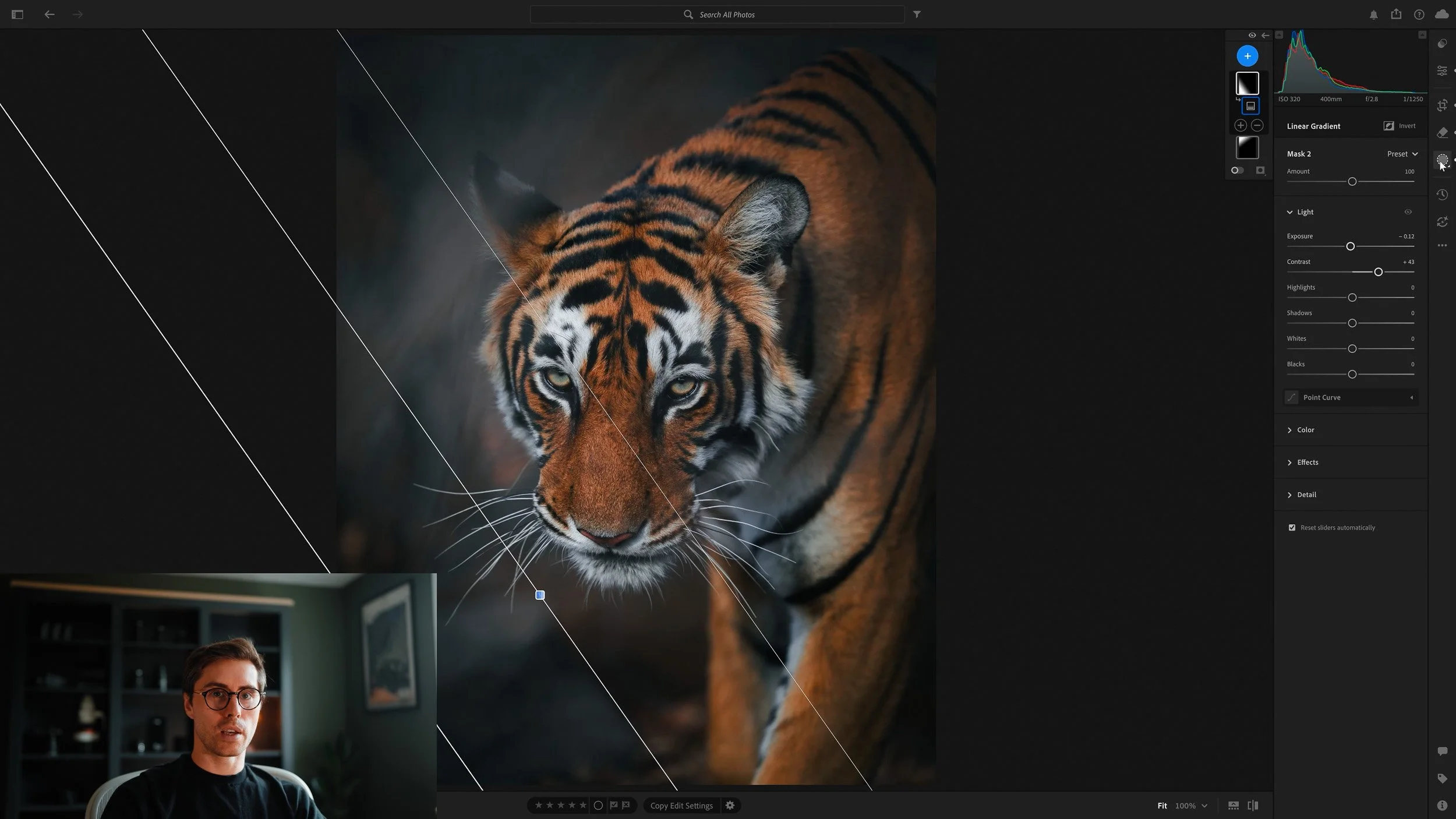
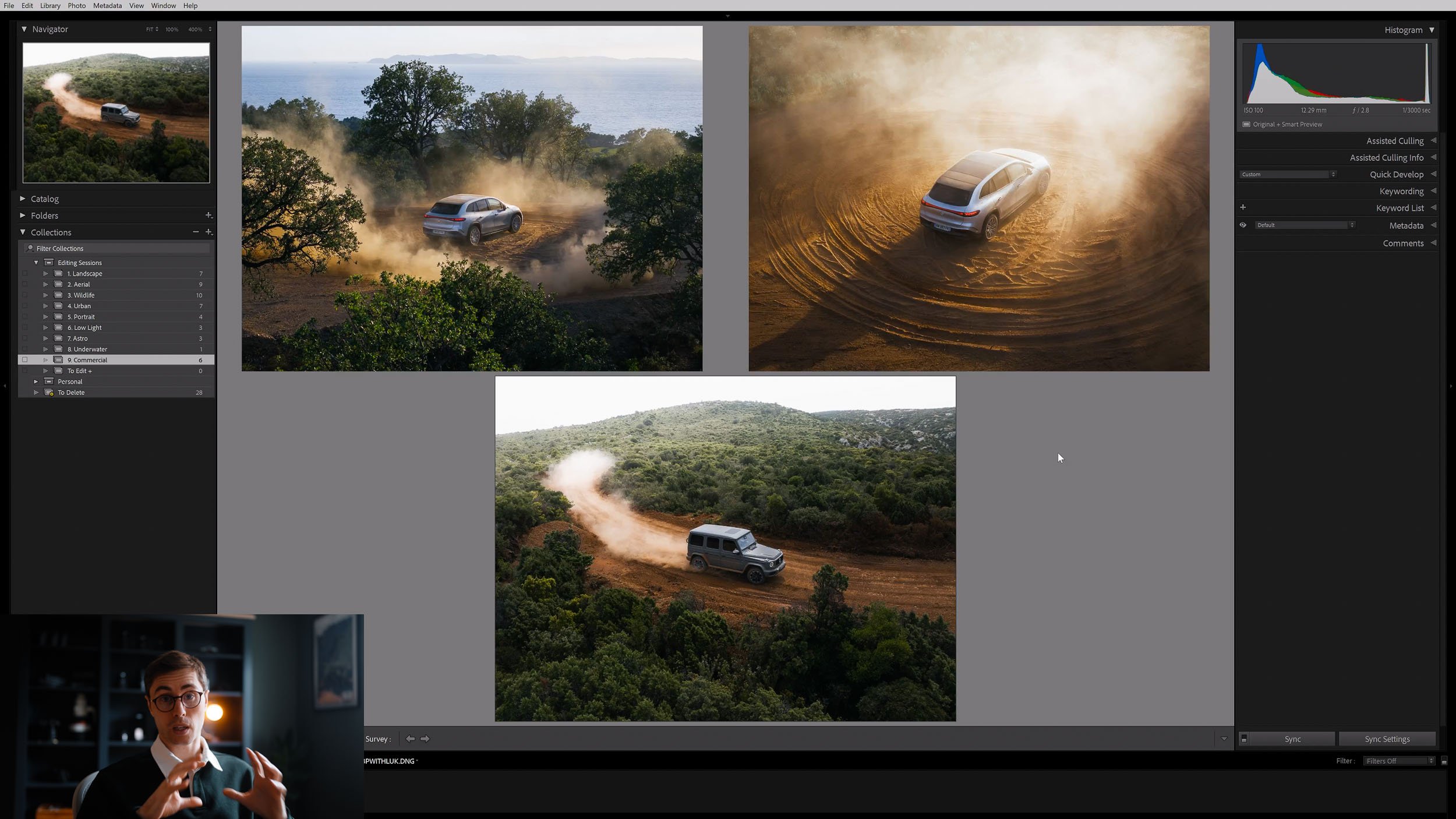
In these sessions, I’m going to be sharing the complete end to end walkthroughs of a variety of image scenarios. I’ll show you how I create my signature cinematic style from a neutral RAW file across a range of different image types.
With a detailed start to finish breakdown of 50 different images you will come away from these sessions with a thorough knowledge of how to approach any editing scenario.
As well as landscapes, I’ve included several in-depth tutorials on editing low-light, astro, wildlife, portrait, urban and commerical images and how best to work on these using some of the special techniques I teach you throughout the course.
Image Tutorials
Individual lessons for a wide variety of shooting scenarios
Walkthroughs of various cinematic landscape edits
Sessions on aerial, low-light, astro, portrait, wildlife, underwater, urban & commerical editing techniques
50 complete start to finish image walkthroughs
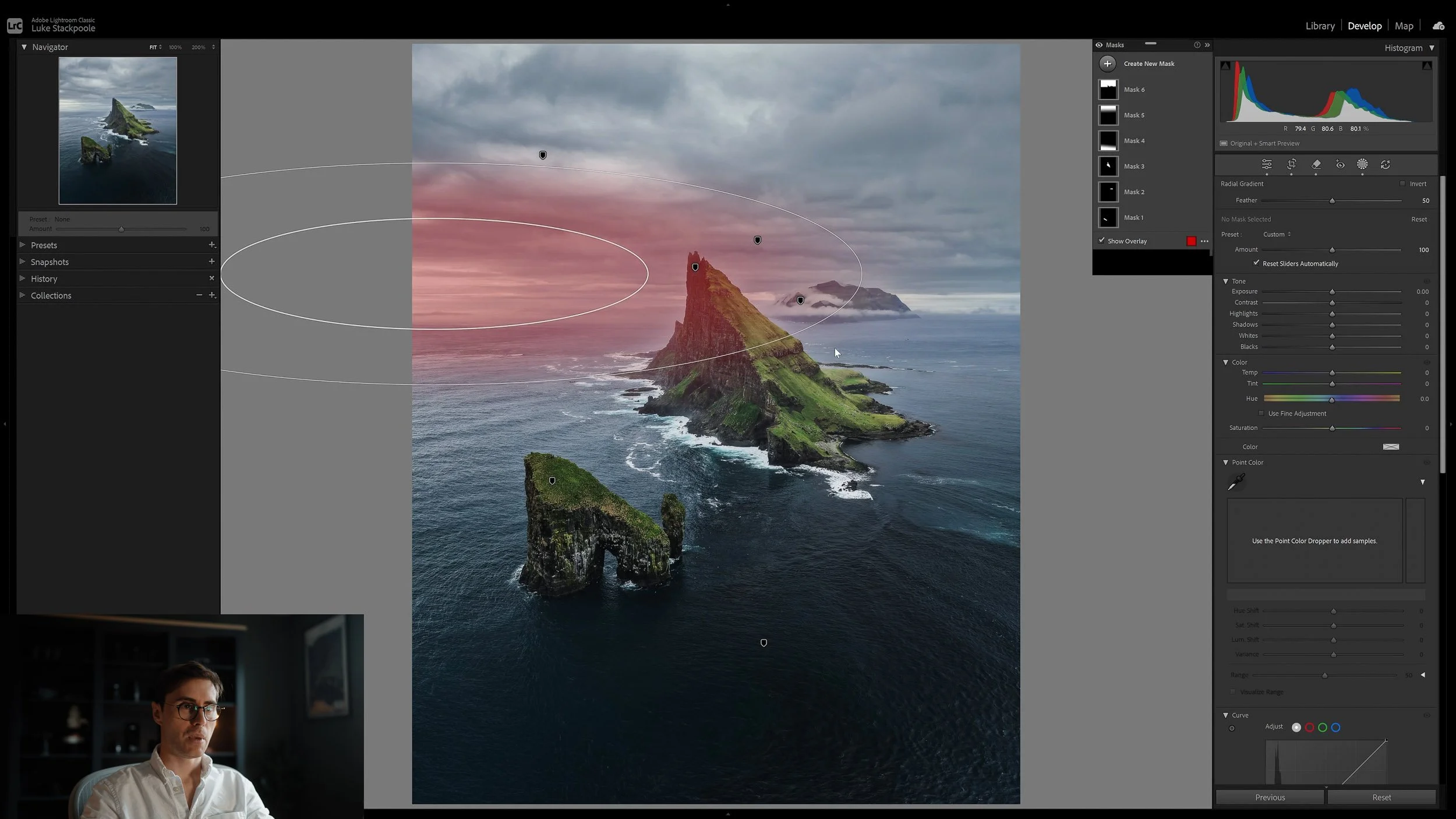
Keeping Consistent
I’ll show you my secrets for maximising the sharpness of your images, export settings, as well as the tools I use for some important final touchups. This session will cover everything you need to know about keeping your colours and styling consistent throughout your portfolio in order to stand out from the crowd.
We’ll also touch on avoiding over-editing, how best to deliver your final images and the use of presets to optimise your editing.
Export settings to maximise quality
Final touchups & presets
How I keep my Instagram and portfolio consistent
Delivering your images
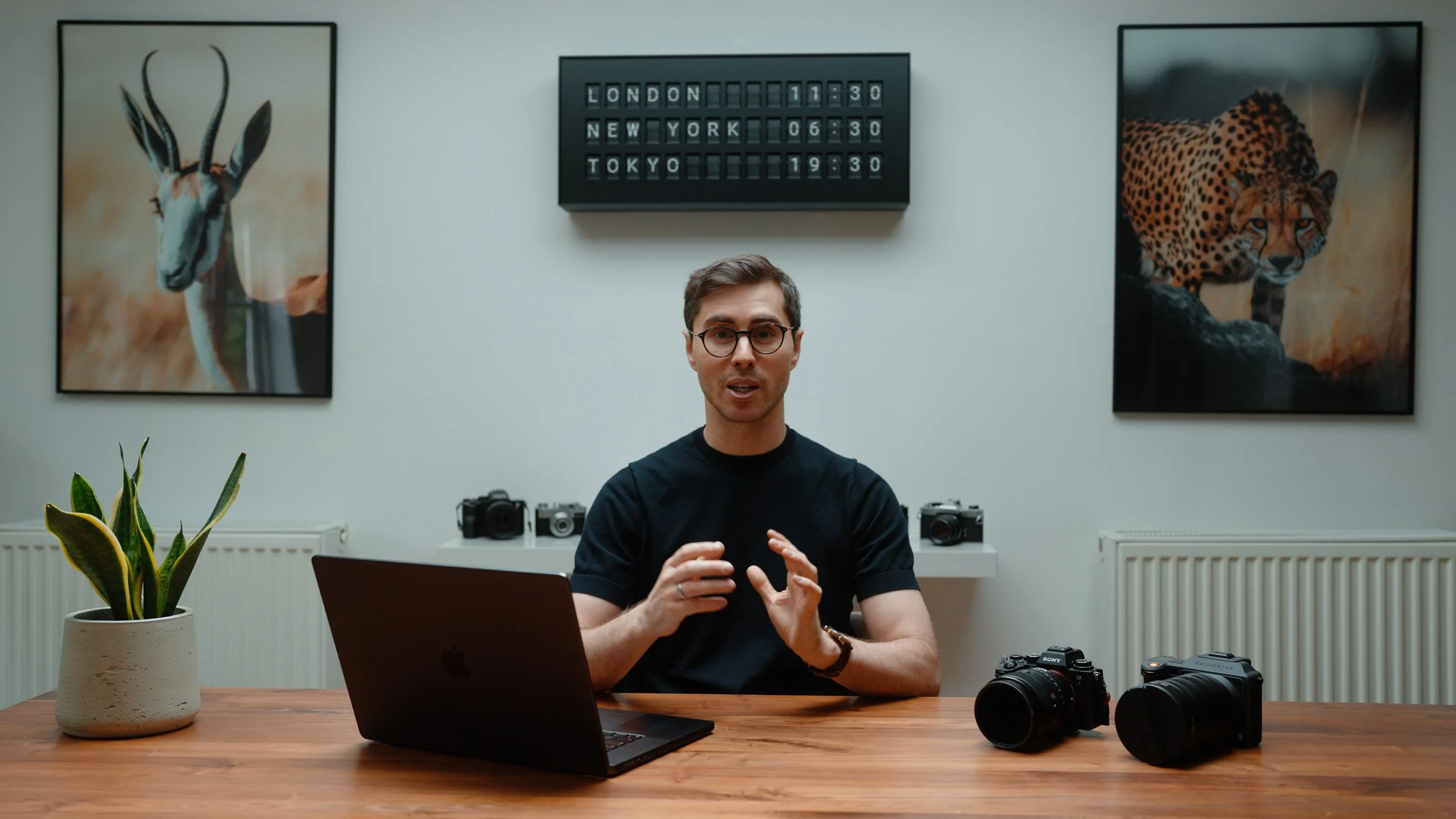
Feedback & Course Updates
Regular expansions and tutorials will be continuously added to the course material as Lightroom is updated for a minimum of 5 years, all included in your lifetime purchase.
You will also receive direct access to me for feedback on your work and assistance on your editing techniques.
Course downloads include 100 RAW files, 50 editing presets, 50 masking presets from the images we edit during the course.
Regular course expansions
Creator Forum access
Portfolio review
Course raw files & presets
Join over 15,000 other students who have transformed their photography workflow!
Testimonials from my Masterclass students
Thank you for providing your Masterclass, I’ve learned so much watching through - it’s so satisfying to finally know how to realise the changes I want in a picture, a very very big thank you!
- Till Oschmann
I really appreciated the end-to-end approach you took in your masterclass, how to take an image and make it into an artwork. Before the workshop a lot of photos I saw on IG felt unreachable for me and the tools in Lightroom disconnected. Now I feel like I was told a secret: how to connect the tools into a holistic editing approach. Thank you!
- Anton Vietrov
I’ve just finished watching your masterclass and although I’ve been using Lightroom for a while now, I was able to learn so many new things, thank you so much Luke!
- Gabriel Ferrier
Just want to say thank you for creating such an excellent and straightforward masterclass. This course has helped me gain a greater understanding of editing, file structure, and more. My editing has greatly improved and has given me the confidence again to share my work on social media. I couldn’t recommend this course enough!
- Dean Whitehead
1.5m + online subscribers
200,000+
hours taught
15,000 +
students
7+ years
teaching
FAQ
1
Is the course suitable for beginners?
The course is designed in a modular format, beginning with the basics and early Lightroom principles, shifting to more advanced techniques and masking tools throughout a series of succesive image walkthroughs. The content is suitable for both beginners and more experienced Lightroom users alike.
What’s new compared to the first LR Masterclass?
2
The Lightroom Masterclass II has been built entirely from the ground up. Since 2020, there have been a range of changes both within the Lightroom Classic, CC and mobile experience, as well as within my own editing workflow. These have been reflected in the course content with a complete overhaul of my process, through 14 hours of all new tutorials covering over 50 different image scenarios.
How long do we have access for?
3
The course content will be available as lifetime access, giving you permanent access to all the material in perpetuity. You may watch the videos on any device, anytime, anywhere and you can rewatch the material as many times as needed.
Captions are available in the following languages: English · German · French · Spanish · Italian · Portuguese (Brazilian) · Polish · Dutch · Arabic · Japanese · Chinese · Korean · Turkish · Czech
4
Are there Subtitles?
Will I be able to ask Luke questions?
5
Luke is more than happy to assist you with any queries, editing & portoflio feedback and general guidance either via email or in the private creator forum where you’ll be given access upon registration for the course.

30 Day Guarantee
I’m confident this course will dramatically improve your photography and I’m willing to guarantee it. If you watch through the majority of the course and it doesn’t help speed up your workflow or improve your editing, I’ll provide a direct refund.
About Luke
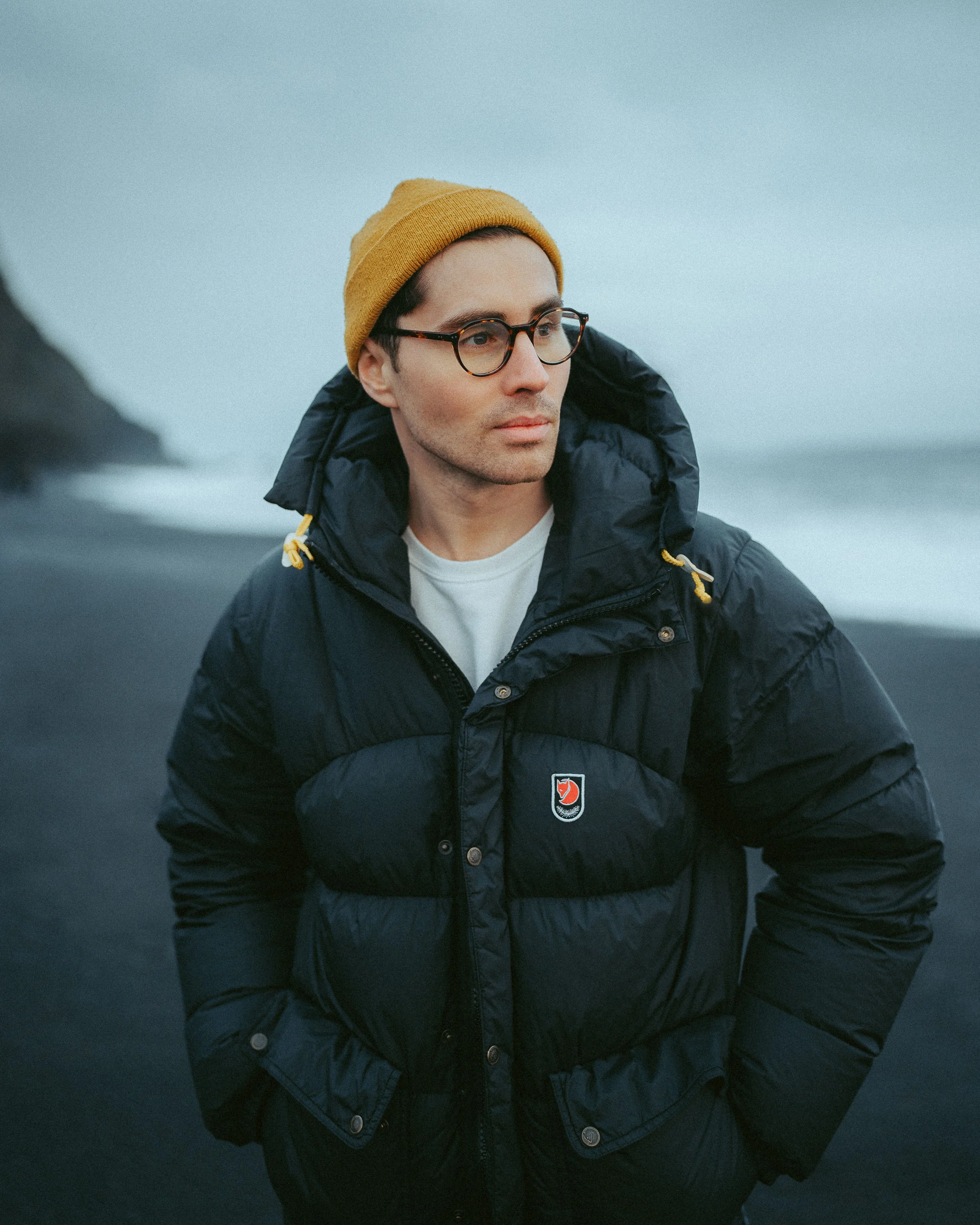
Hey everyone! I'm Luke
I'm a professional lifestyle and adventure photographer with a passion for emotive storytelling through my images. My home is the UK, but I've spent the past 8 years travelling the world in search of some of the most unique environments to shoot.
With the knowledge I have built up over the years I'm looking to inspire you to go out and create some unique stories of your own. By giving you an insight into my editing workflow, you will learn how I achieve dramatic and atmospheric storytelling through my photography. I’ll also be teaching you the skills that you need to edit your photos in a consistent and original style, and this will give you the capability and confidence to produce this content yourself.